

Step-by-Step Guide
Step 1: Navigate to Anthropic Console
Go to anthropic.com or directly to the Console.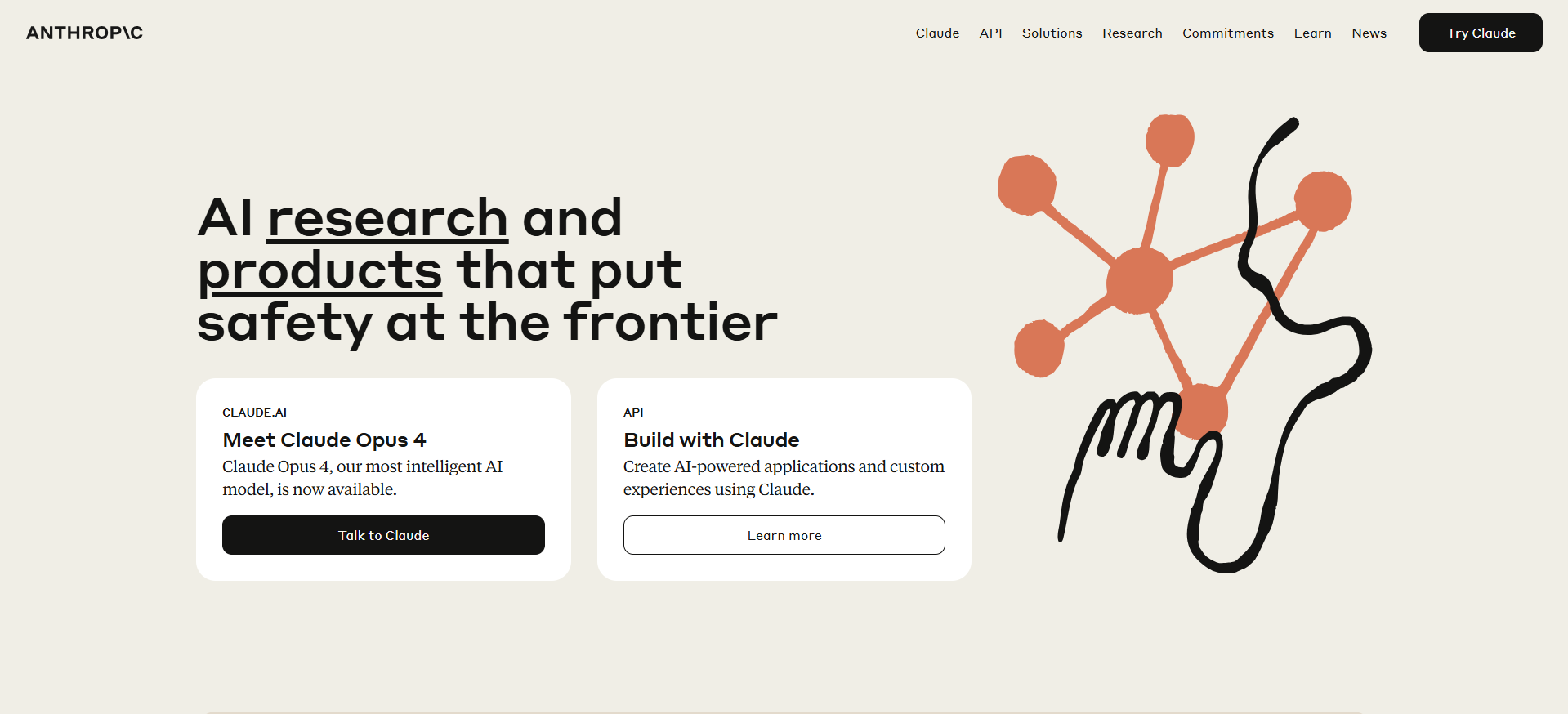
Step 2: Access the API Console
From Homepage:- Hover over “API” in the top navigation
- Click “Console” from the dropdown menu
- Go straight to console.anthropic.com

Step 3: Sign In or Create Account
New User:- Click “Sign up” to create an Anthropic account
- Use email registration or “Continue with Google” for quick setup
- Complete email verification if required
- Sign in with your existing credentials
- Use saved login or Google authentication
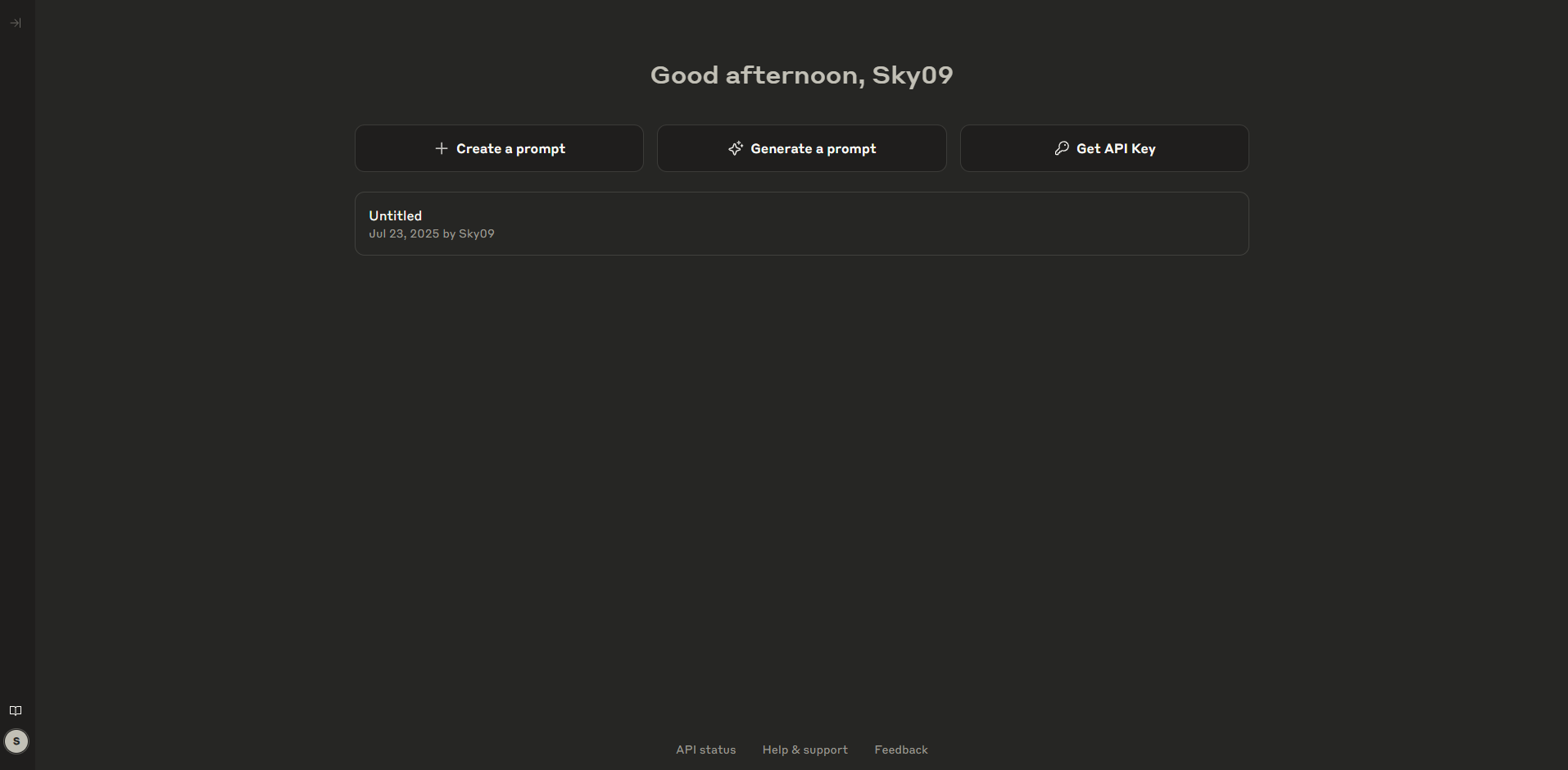
Step 4: Console Dashboard Overview
After logging in, you’ll see the main console with three options:- Create Prompt – Build and test prompts for AI interactions
- Generate a Prompt – Use AI assistance to craft effective prompts
- Get API Key – Generate API keys for application integration
Step 5: Generate Your API Key
Click “Get API Key” to access the key management interface.Step 6: Create New Key
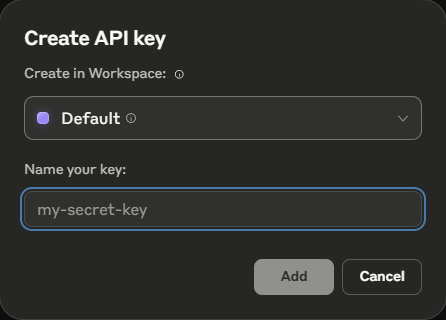
Click the orange “Create Key” button to start the key generation process.Step 7: Name Your API Key
Provide a descriptive name that identifies the key’s purpose: Good Examples:Weam IntegrationProduction ChatbotDevelopment TestingAnalytics DashboardMobile App Backend
Step 8: Secure Your Key
- Click “Create Key” after naming it
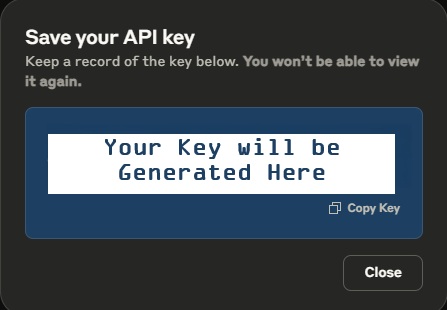
- Copy the key immediately using the copy button
- Store securely in a password manager or secure environment
- This is your only chance – you won’t see the full key again
Step 9: Complete Setup
Click “Finish” after securely copying your key to confirm the process is complete.Step 10: Add to Weam
Now integrate your Anthropic API key with Weam:- Open Weam and go to Settings → Configurations
- Select Anthropic as your provider
- Paste your API key in the configuration field
- Save and test the connection with a chat message
API Management Dashboard
The comprehensive API management interface provides full control over your keys and account.
Left Navigation Panel
API Keys Management Table
The main table displays all your API keys with:Key Management Actions
- Create Key – Generate additional API keys
- Three-dot Menu – Rename, delete, or manage individual keys
- Workspace Filtering – Organize keys by workspace
- Usage Monitoring – Track key performance and costs