
Step-by-Step Guide
Step 1: Navigate to OpenAI Platform Go to https://platform.openai.com in your web browser.
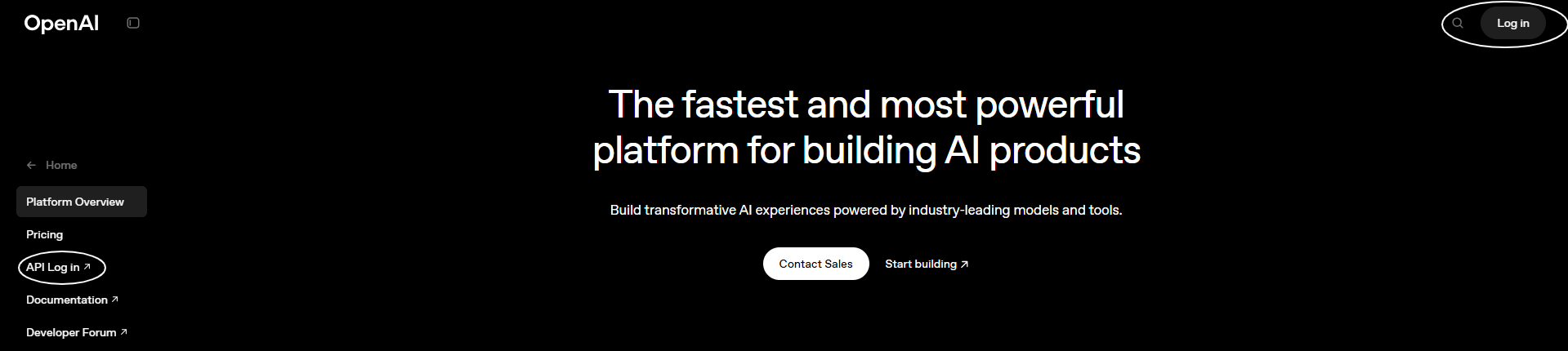
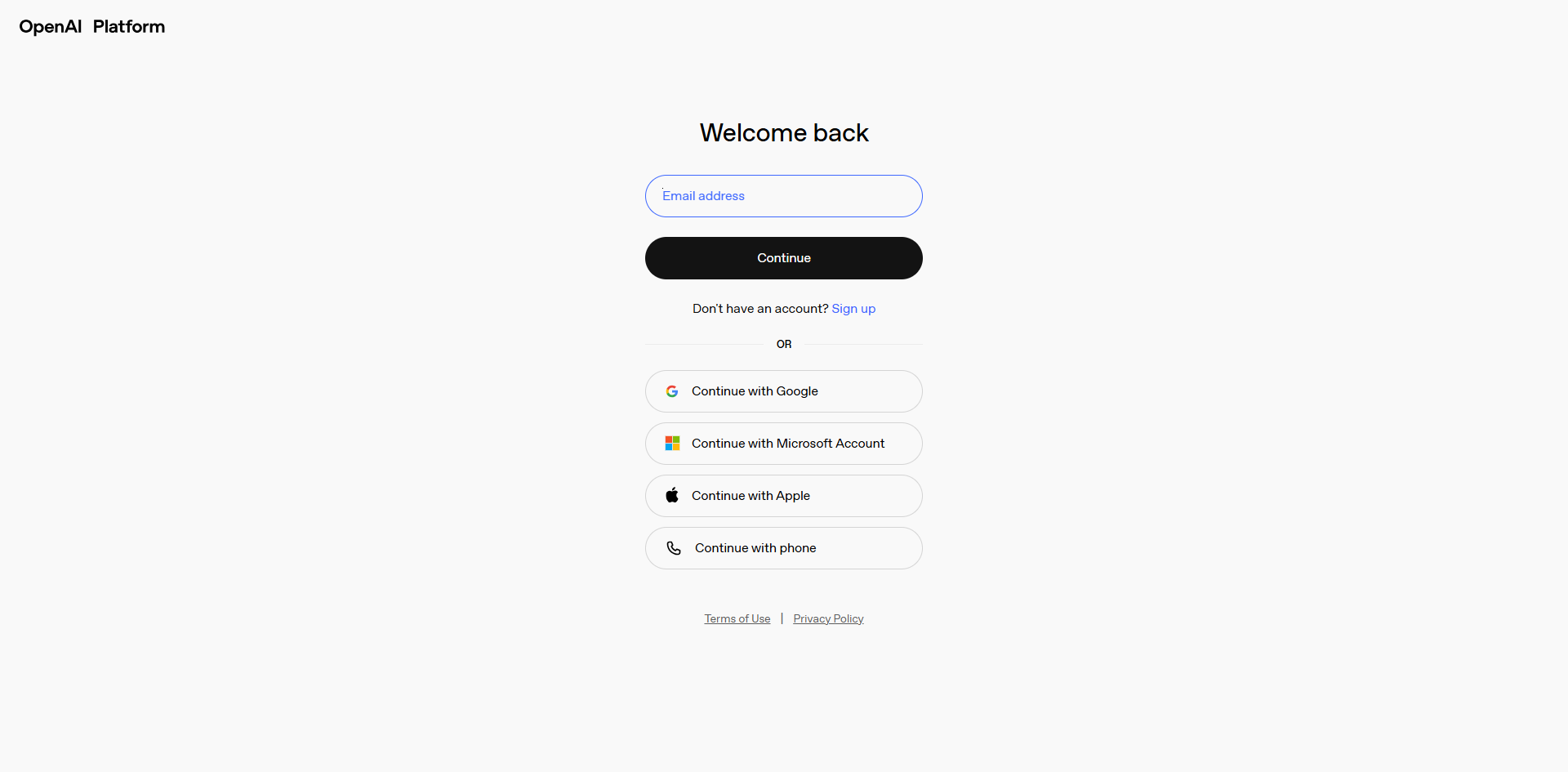
Step 2: Sign Up or Log In
New User:- Click “Sign up” to create an account
- Use email or sign up with Google/Microsoft
- Complete email or phone verification when prompted
- Click “Log in”
- Enter your credentials
Step 3: Access Your Dashboard
Once logged in, you’ll see the OpenAI Platform dashboard with your account overview.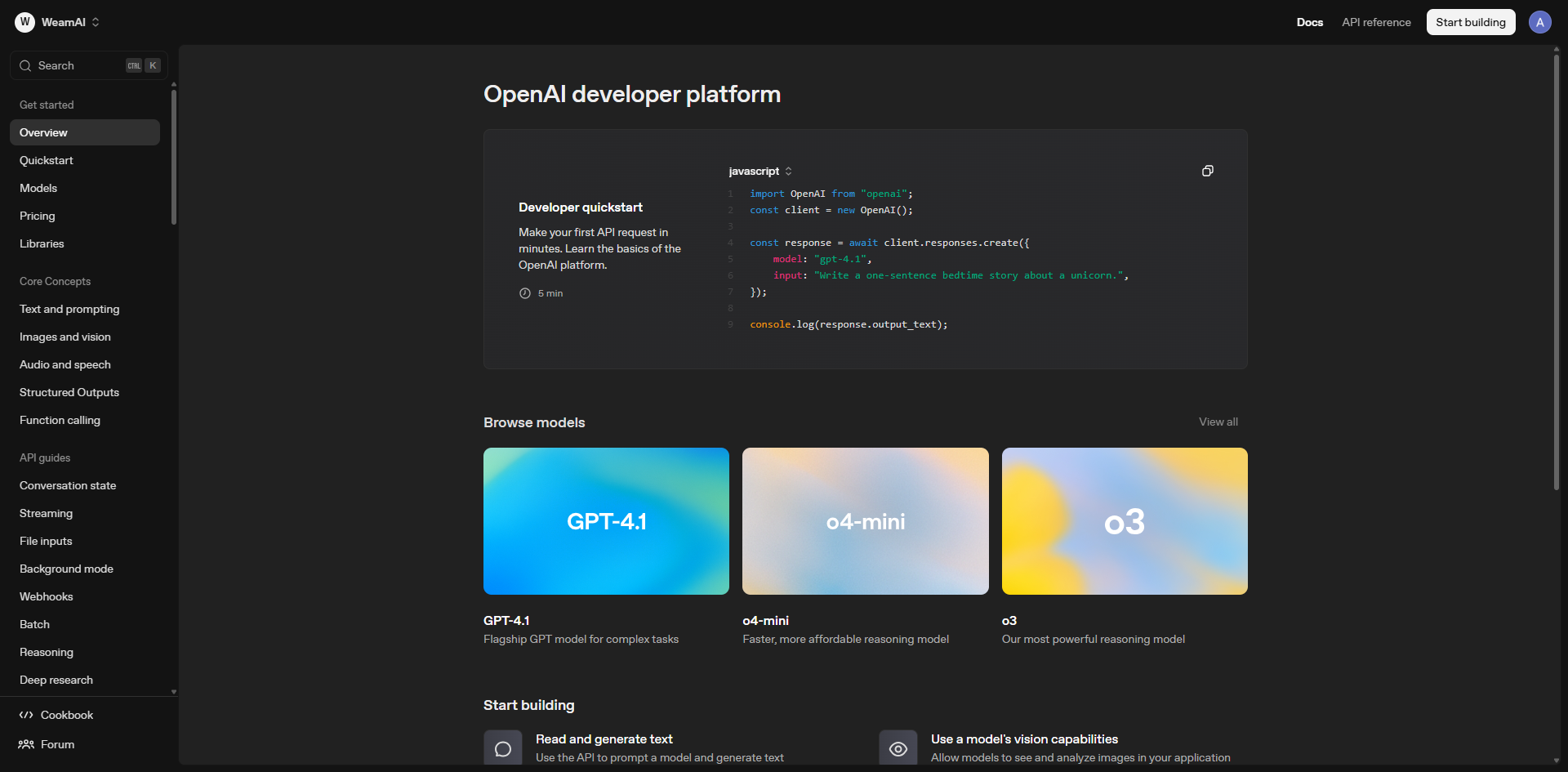
Step 4: Create a Project
Click the “Start building” button in the top-right corner to create a new project.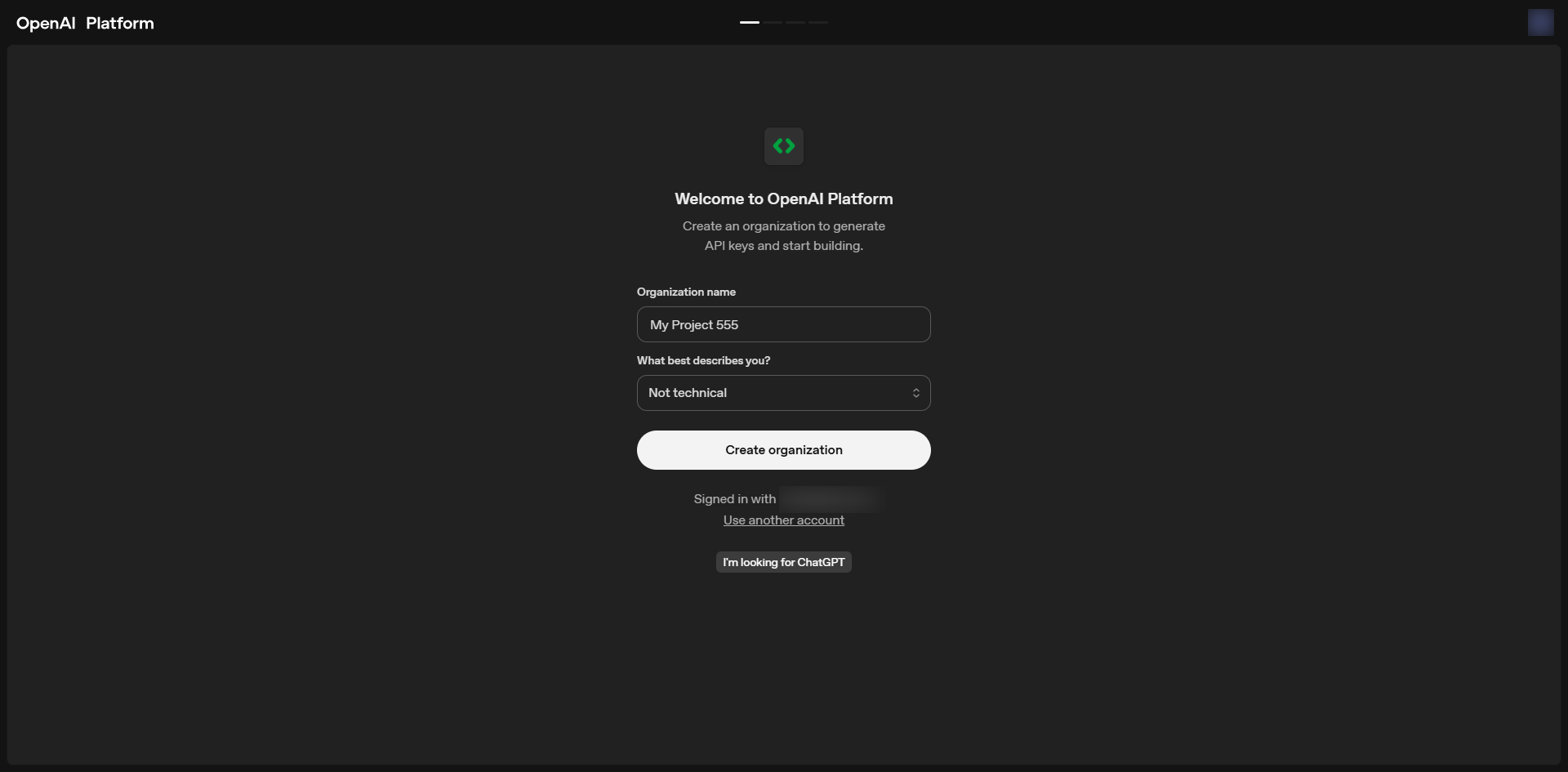
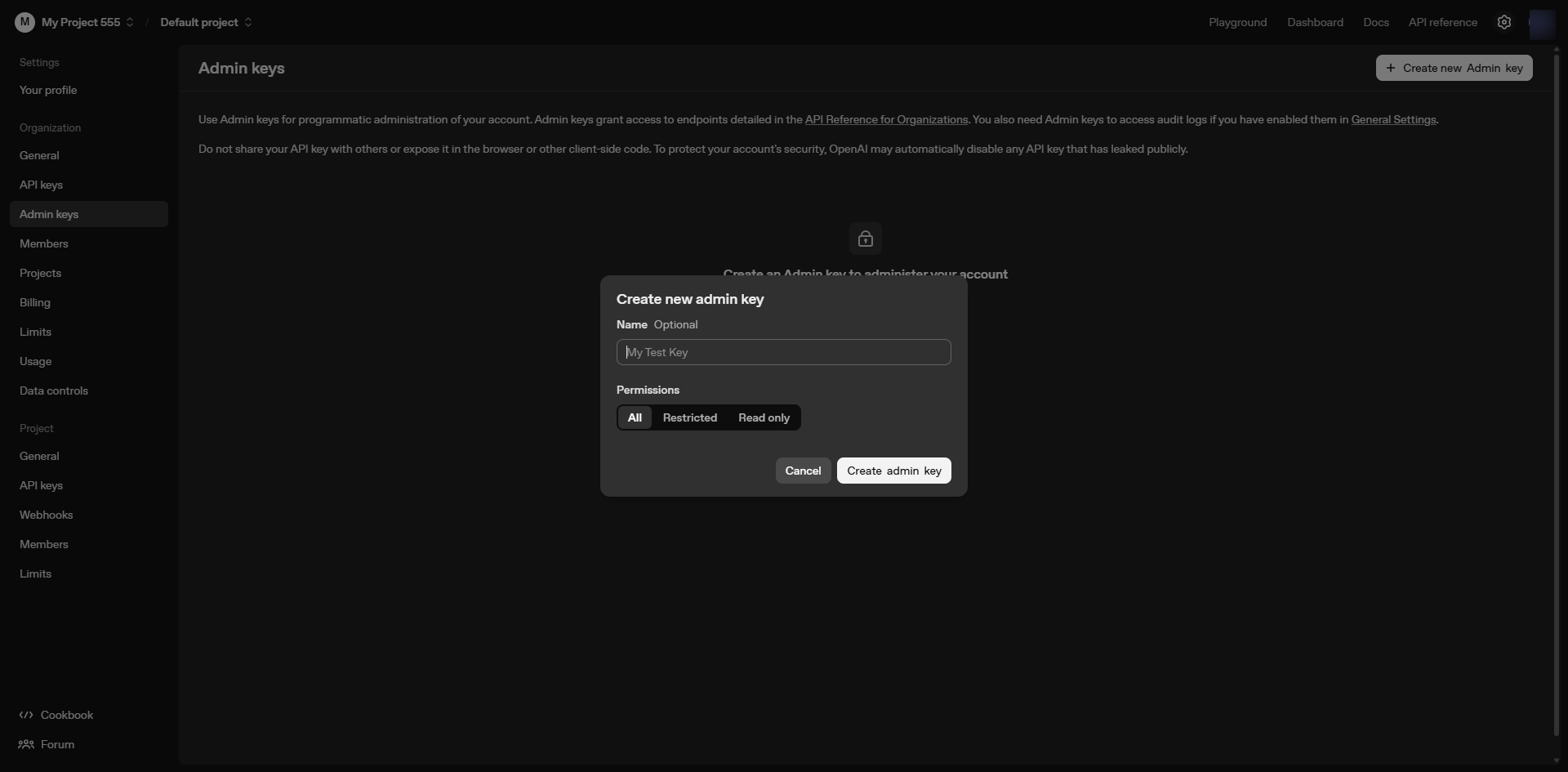
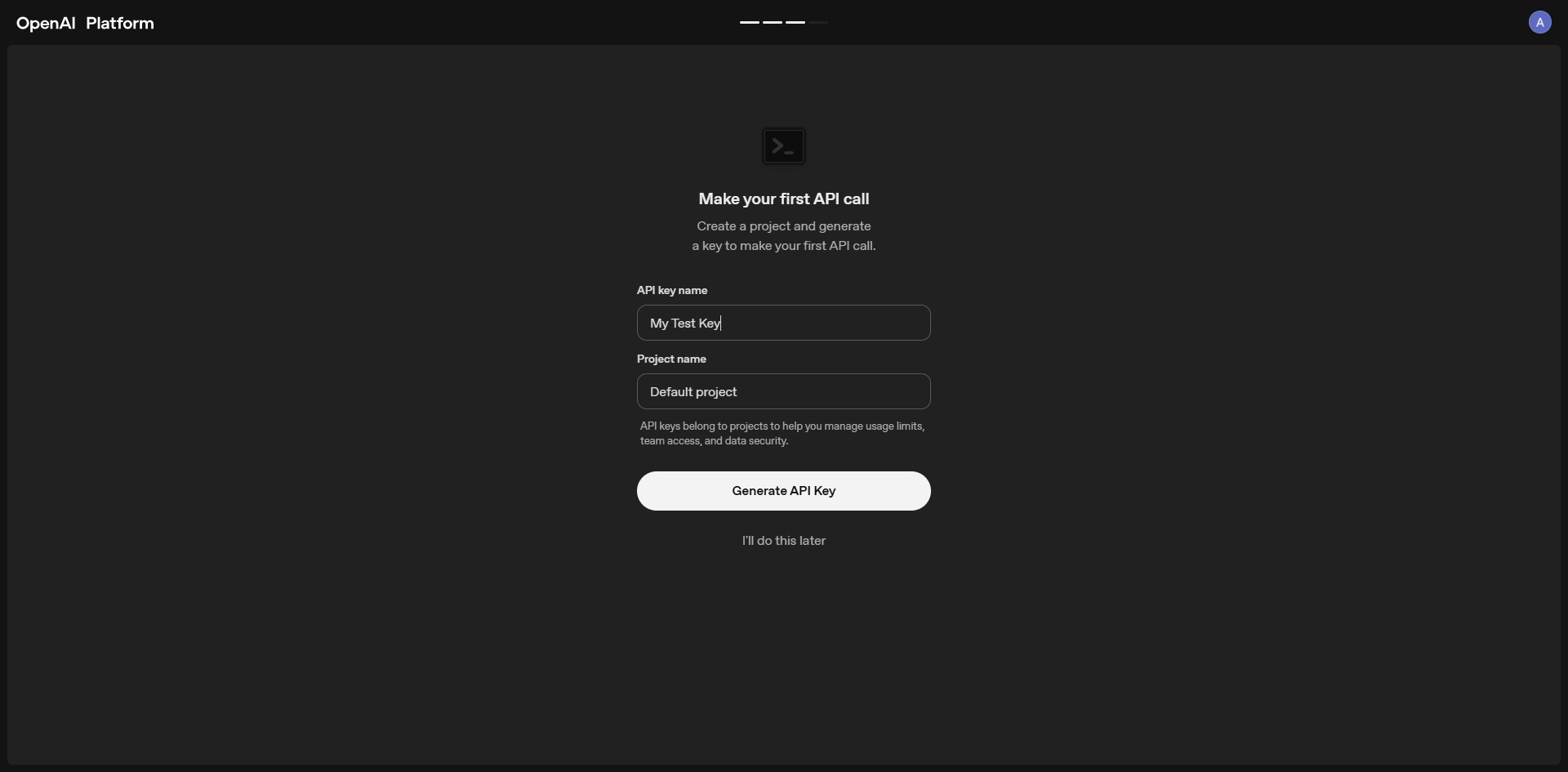
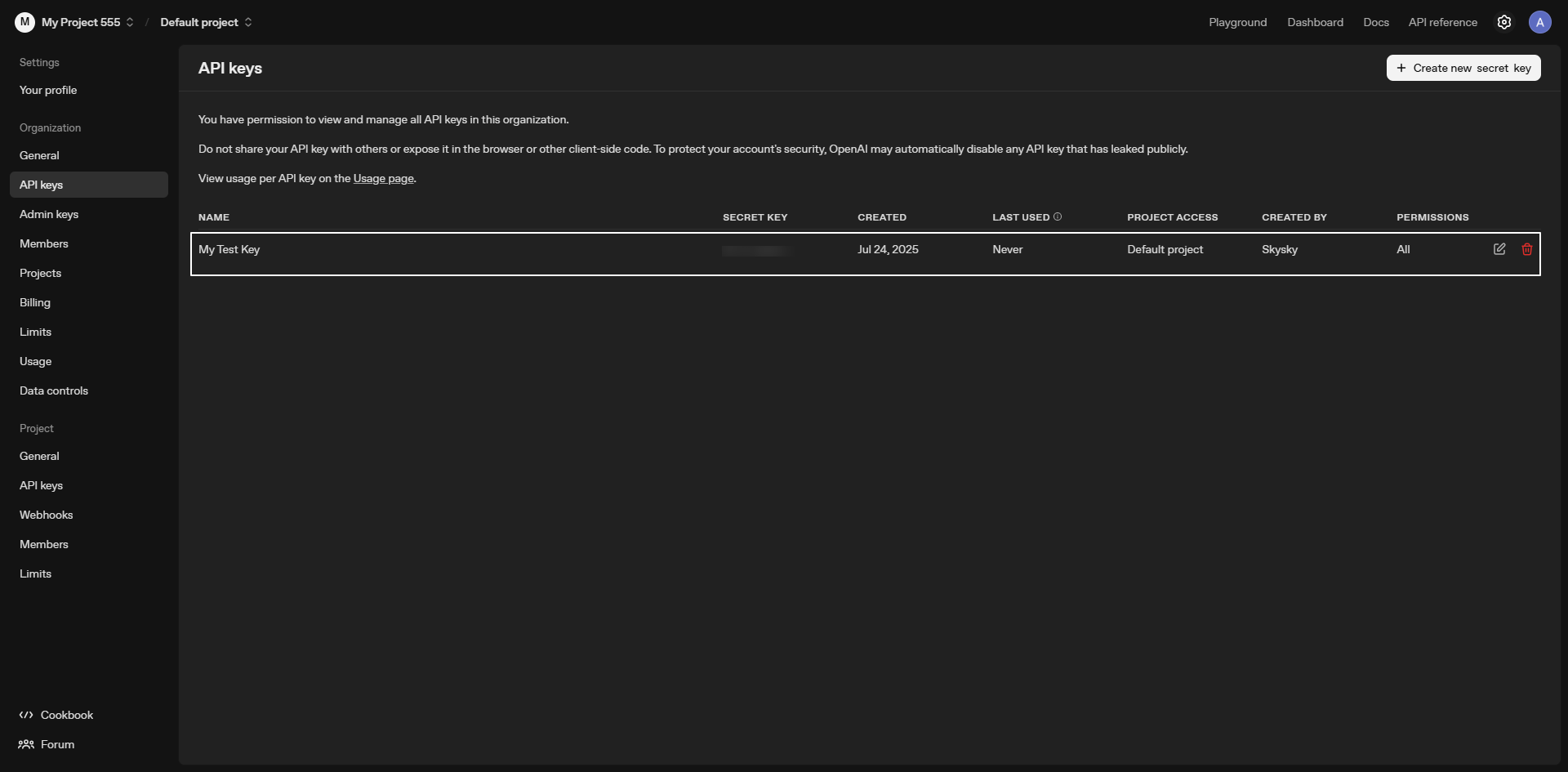
Step 5: Name Your API Key
Give your API key a descriptive name to identify its purpose: Good Examples:Weam IntegrationProduction ChatbotDevelopment TestingAnalytics Dashboard
Step 6: Copy and Secure Your Key
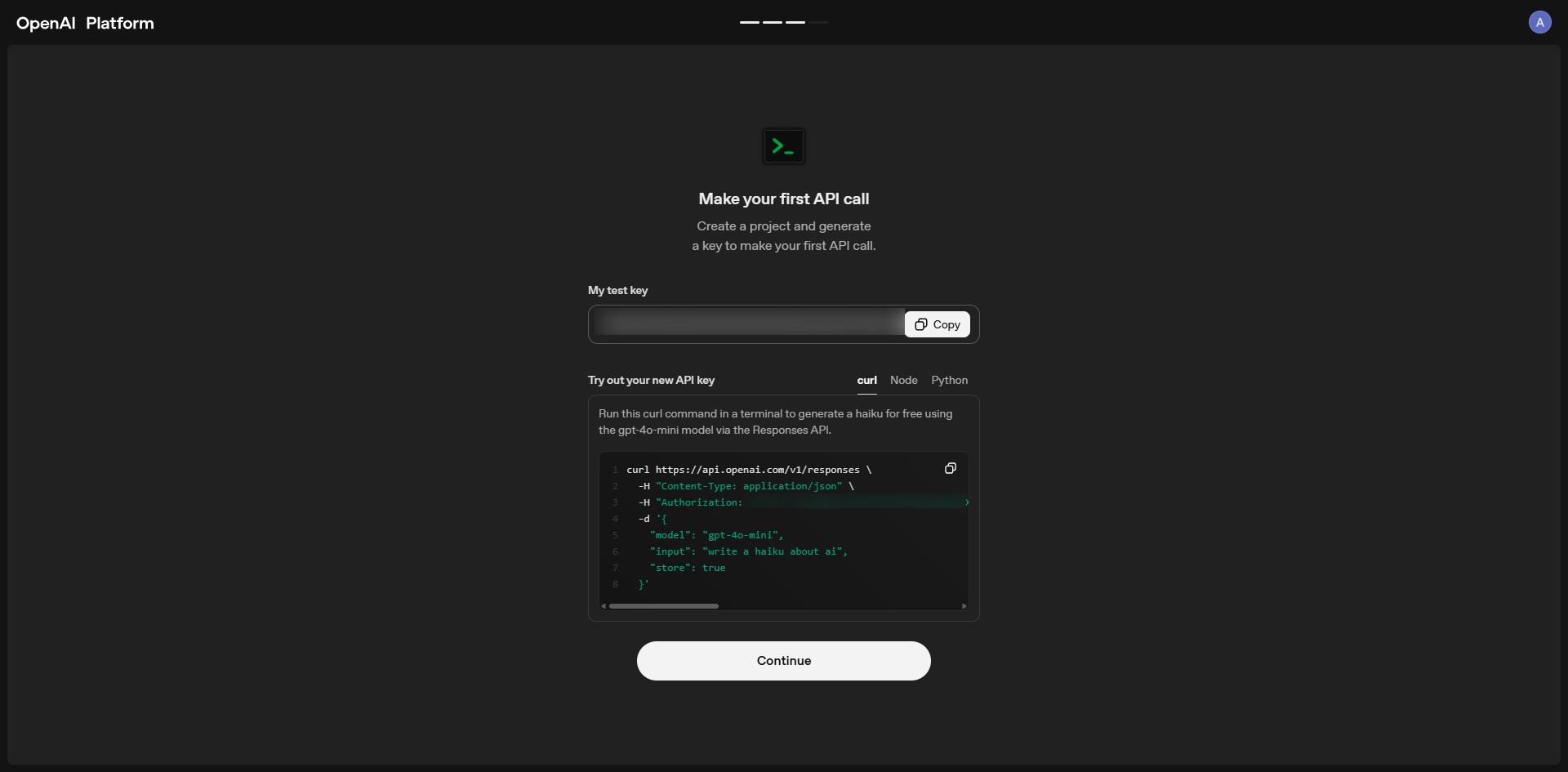
Critical Security Step:- Copy the key immediately – this is the only time you’ll see it
- Store it securely in a password manager or secure environment
- Never share publicly or commit to version control
- Revoke and regenerate if accidentally exposed
Step 7: Set Up Billing (If Required)
Free Credits:- OpenAI provides $5 in free credits for new users
- Perfect for testing and initial development
- Navigate to Billing section in your dashboard
- Add credit card or payment method for continued usage
- Set usage limits to control costs
Step 8: Add to Weam
Now integrate your OpenAI API key with Weam:- Open Weam and go to Settings → Configurations
- Select OpenAI as your provider
- Paste your API key in the configuration field
- Save and test the connection
API Key Types and Permissions
Understanding different API key types ensures proper security and functionality.